Stop losing critical info between shifts
ShiftSummary gives hospitality teams a structured, searchable handoff system — so every shift starts informed, not guessing.
14-day free trial · No credit card required · Set up in minutes
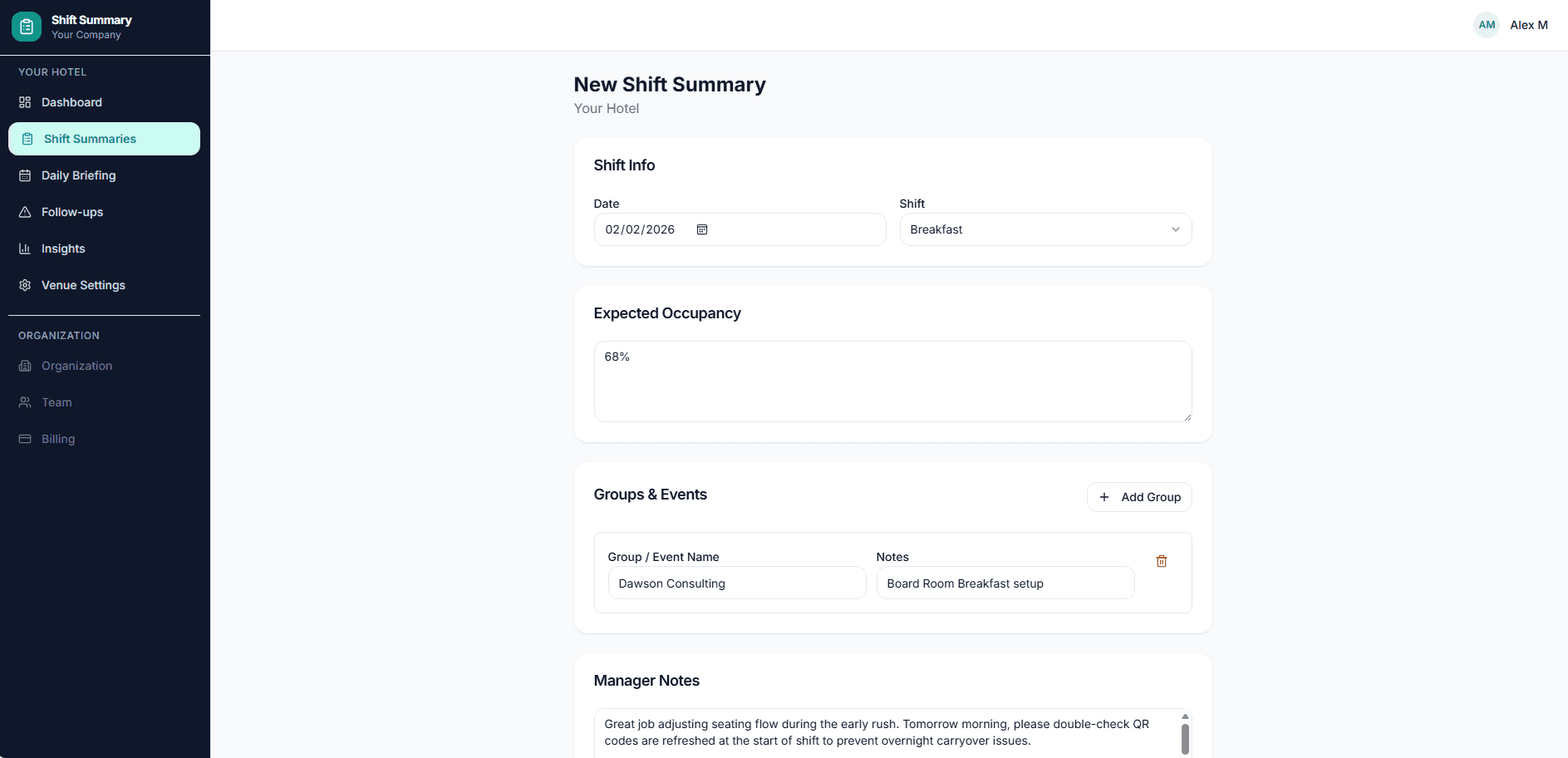
Everything your team needs
Purpose-built for hospitality — hotels, restaurants, resorts, and venues of every size.
Structured Summaries
Pre-built sections for covers, maintenance, safety, guest issues, and more — so nothing gets missed.
Custom Templates
Configure which sections appear for each shift type. AM, PM, and Overnight can each have their own template.
Daily Briefings
Pre-fill key info for any date so every shift starts with context on upcoming groups, VIPs, and events.
Follow-Up Tracking
Flag items that need attention. Track them across shifts until they're resolved — nothing falls through the cracks.
Email Notifications
Automatically notify the right people when a summary is submitted. Filter by shift type and role.
Analytics
See submission trends, completion rates, and team activity at a glance. Know who's contributing and when.
Three steps to better handoffs
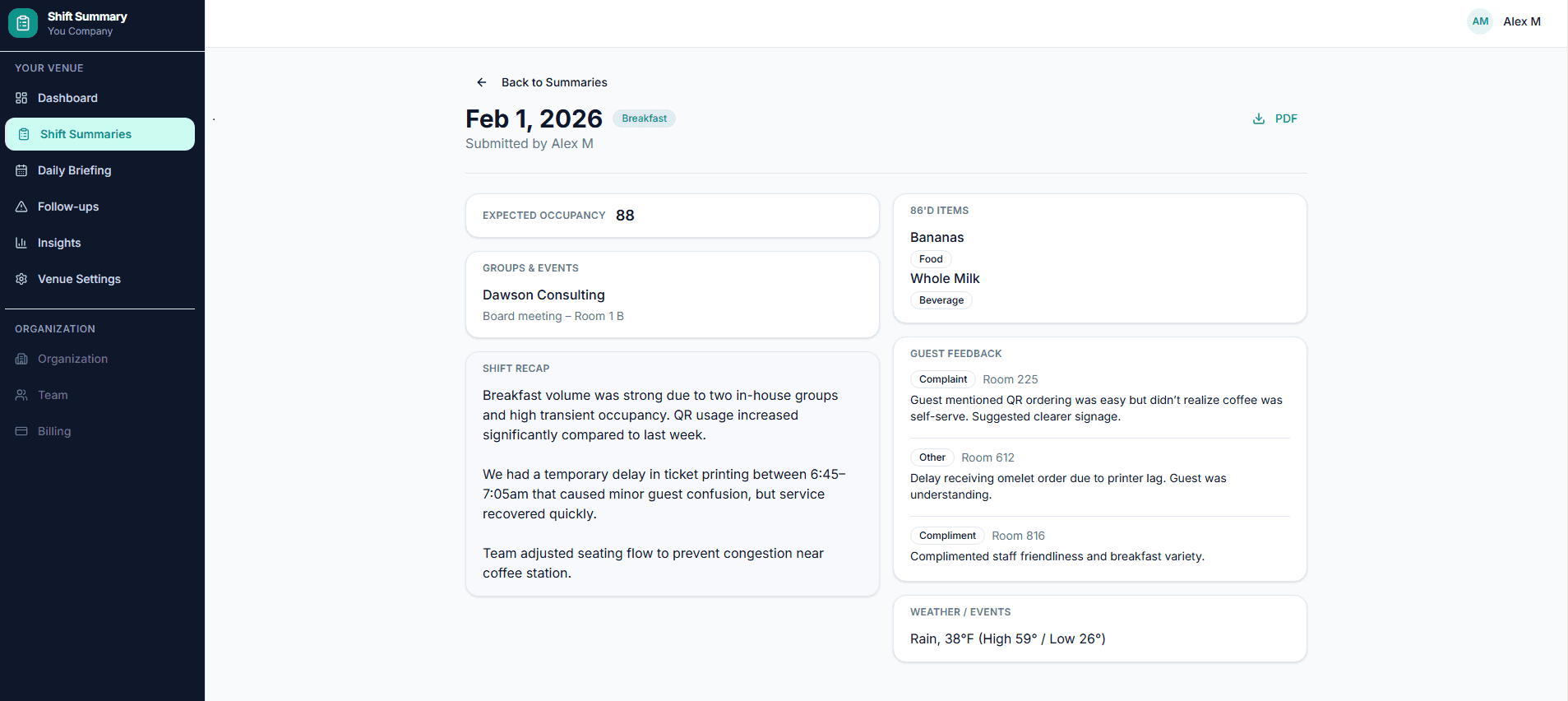
Every shift handoff, organized
No more scribbled notes or forgotten details. ShiftSummary gives your team a consistent format for every handoff — from covers and revenue to maintenance and safety.
- 15 built-in section types cover every department
- Custom sections for venue-specific needs
- Searchable archive of every handoff
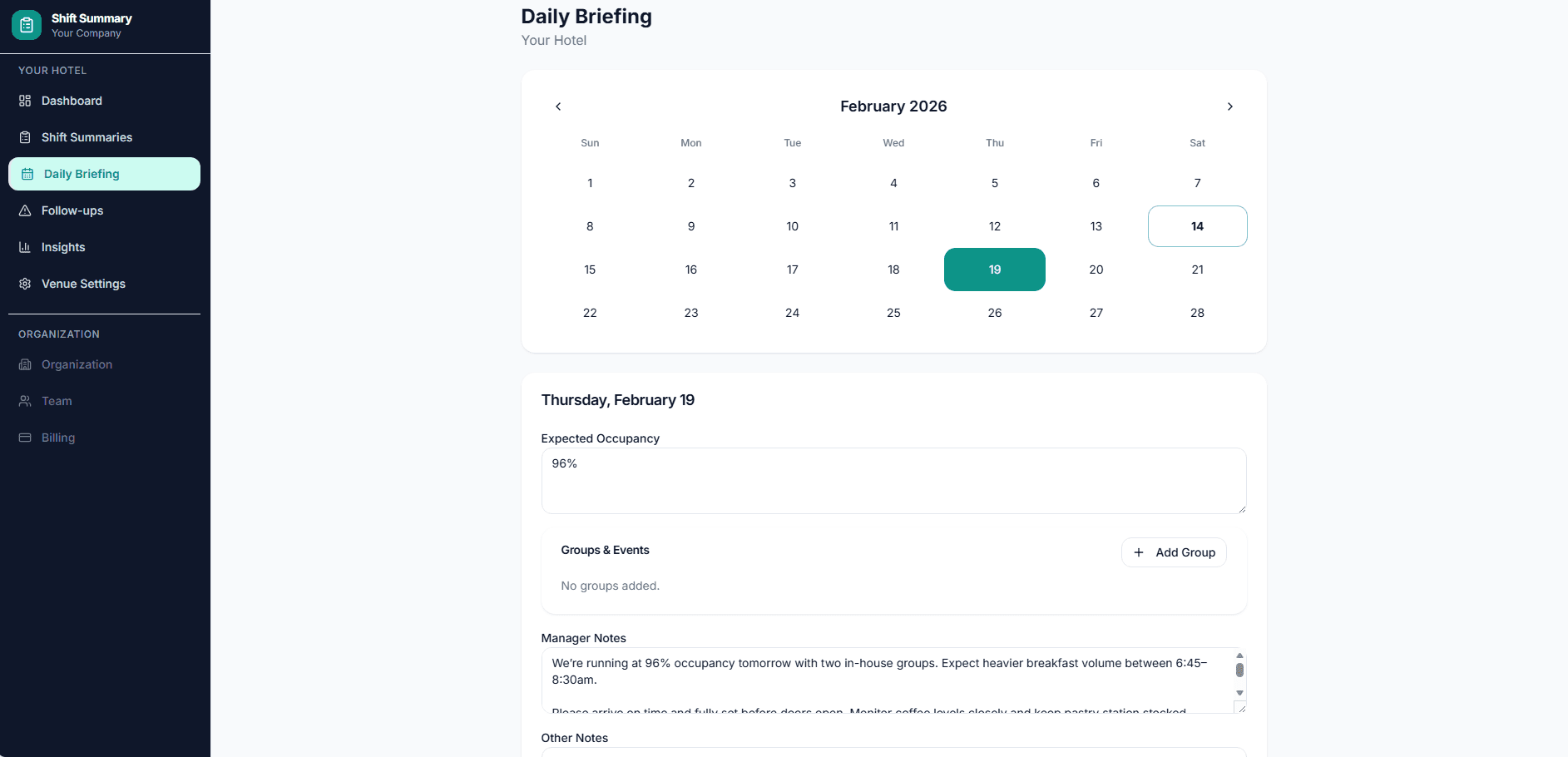
Start every shift with context
Pre-fill important details for any date — groups, VIPs, events, specials. When the team writes their summary, briefing data is already locked in.
- Calendar view for the entire month
- Prefill data flows into shift summaries
- Locked fields prevent accidental edits
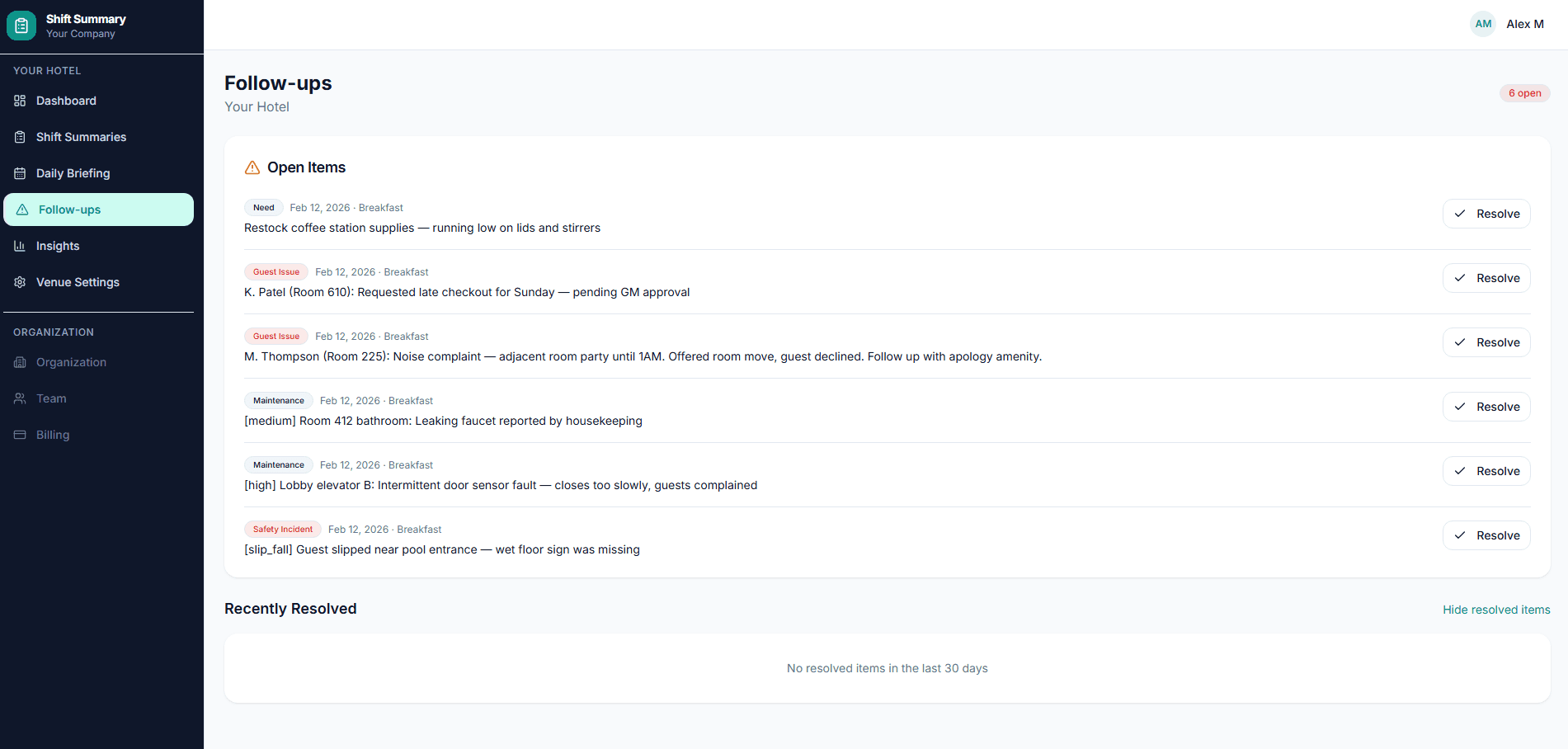
Nothing falls through the cracks
Flag items that need action and track them across shifts. See who's submitting, when, and spot gaps before they become problems.
- Follow-up items persist until resolved
- Submission trends and completion rates
- Team activity dashboard
Why ShiftSummary?
See the difference structured handoffs make for your team.
- Verbal handoffs that get forgotten immediately
- Scribbled notes lost before the next shift
- Follow-ups that slip through the cracks
- New staff walking in blind with no context
- Managers chasing updates across shifts
- Structured, searchable summaries for every shift
- Consistent format across your entire team
- Follow-ups tracked until resolved
- Daily briefings pre-fill shift context
- Analytics show submission trends and gaps
Simple, transparent pricing
Start your 14-day trial today. No credit card required.
For single-property teams
- 1 venue
- Up to 10 team members
- Custom sections & templates
- Daily briefings
- Follow-up tracking
- Analytics dashboard
- Email notifications
- Priority support
For multi-property operators
- Up to 5 venues
- Up to 50 team members
- Everything in Professional
- Cross-venue reporting
- Dedicated onboarding
Frequently asked questions
What types of venues is ShiftSummary for?
How long does it take to set up?
Can I customize the summary sections?
How do daily briefings work?
Is my data secure?
Is there a free trial?
Can I manage multiple venues?
Ready to streamline your handoffs?
Stop losing critical details between shifts. Start writing structured, searchable summaries in minutes.